Traffic
Error pages
When something goes wrong, visitors get a plain page from nginx that says 502 Bad Gateway and nothing else. Templates replace that with something you wrote.
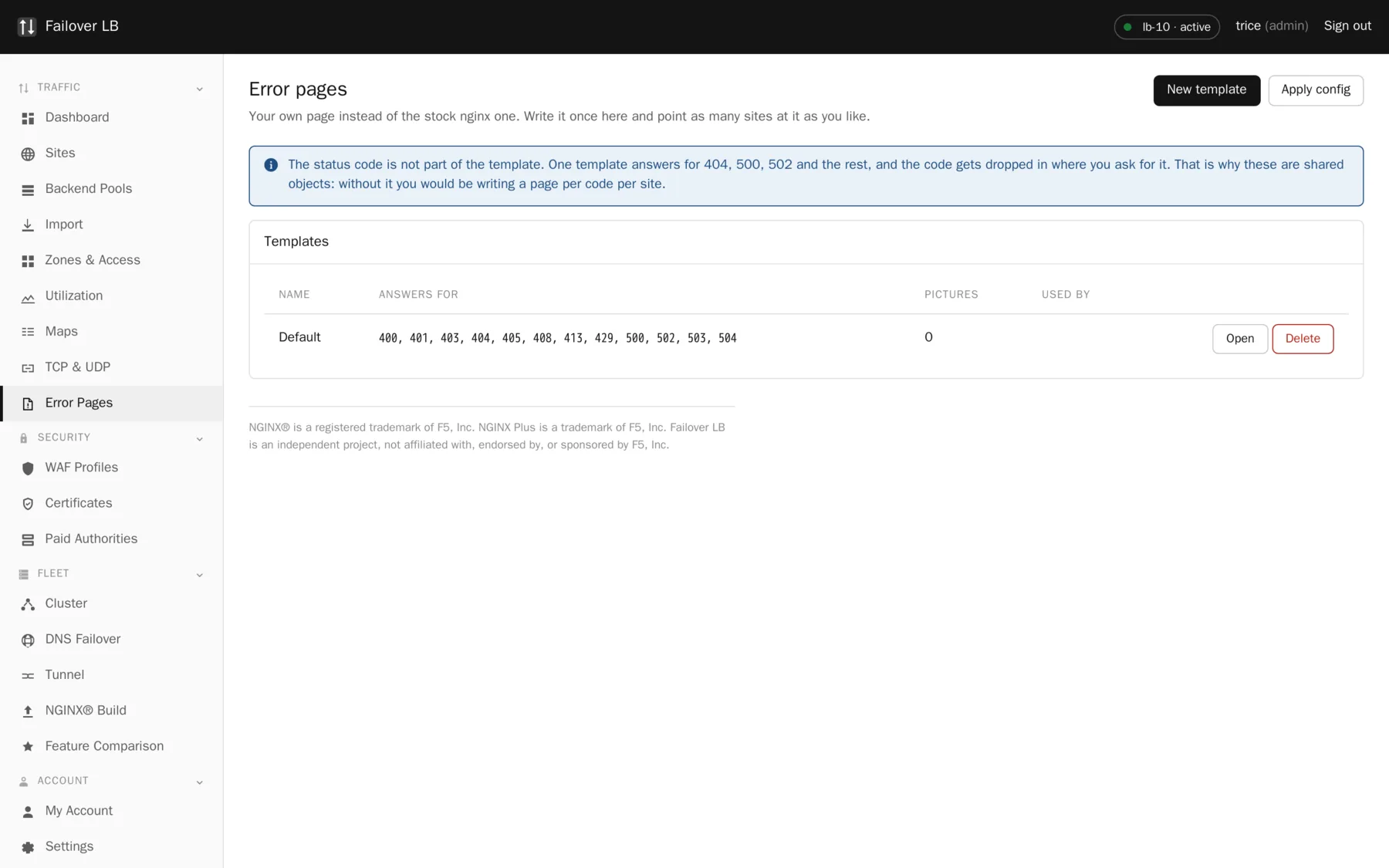
Making a template
- Go to Error Pages and press New template.
- Give it a name.
- Write a page for each error code you care about. 404 for a page that does not exist and 502 for the application being down are the two worth doing first.
- Save, then open a site and choose the template.
A template only covers the status codes it was ticked for. Anything else falls back to the stock nginx page, which is the sensible default rather than a gap.
Errors your application returns
By default your error pages are also used for errors your application returns, not only for errors nginx generates itself. If your application already returns error pages you are happy with, turn that setting off for the site and its pages are passed through untouched.
Different pages for different parts of a site
You can set a different template on a single path. That is useful when part of a site is an API that should return something a program can read rather than a friendly page for a human. A JSON body with an error code beats a styled apology when the caller is a mobile app.
What to write
Keep it short and say what the visitor should do. A page that says the site is having a problem and to try again in a few minutes is worth more than a clever design.
Leave the technical detail out
It does not help the visitor, and it tells anybody probing your site more than they need to know. Stack traces, internal hostnames and version numbers all belong in your logs and nowhere near a public error page.
Common questions
Are error pages served from the load balancer or the backend?
From the load balancer. That is the point: when the backend is down it cannot serve anything, including an apology.
Can I include images and stylesheets?
Keep the page self contained. If the stylesheet lives on the backend that just went down, your error page will be unstyled at exactly the wrong moment. Inline what you need.
Do error pages apply to TCP and UDP services?
No. There is no such thing as an error page in a protocol that is not HTTP.
Step by step instructions
The how to section has searchable, task shaped answers. Search it for error page.