Certificates and TLS
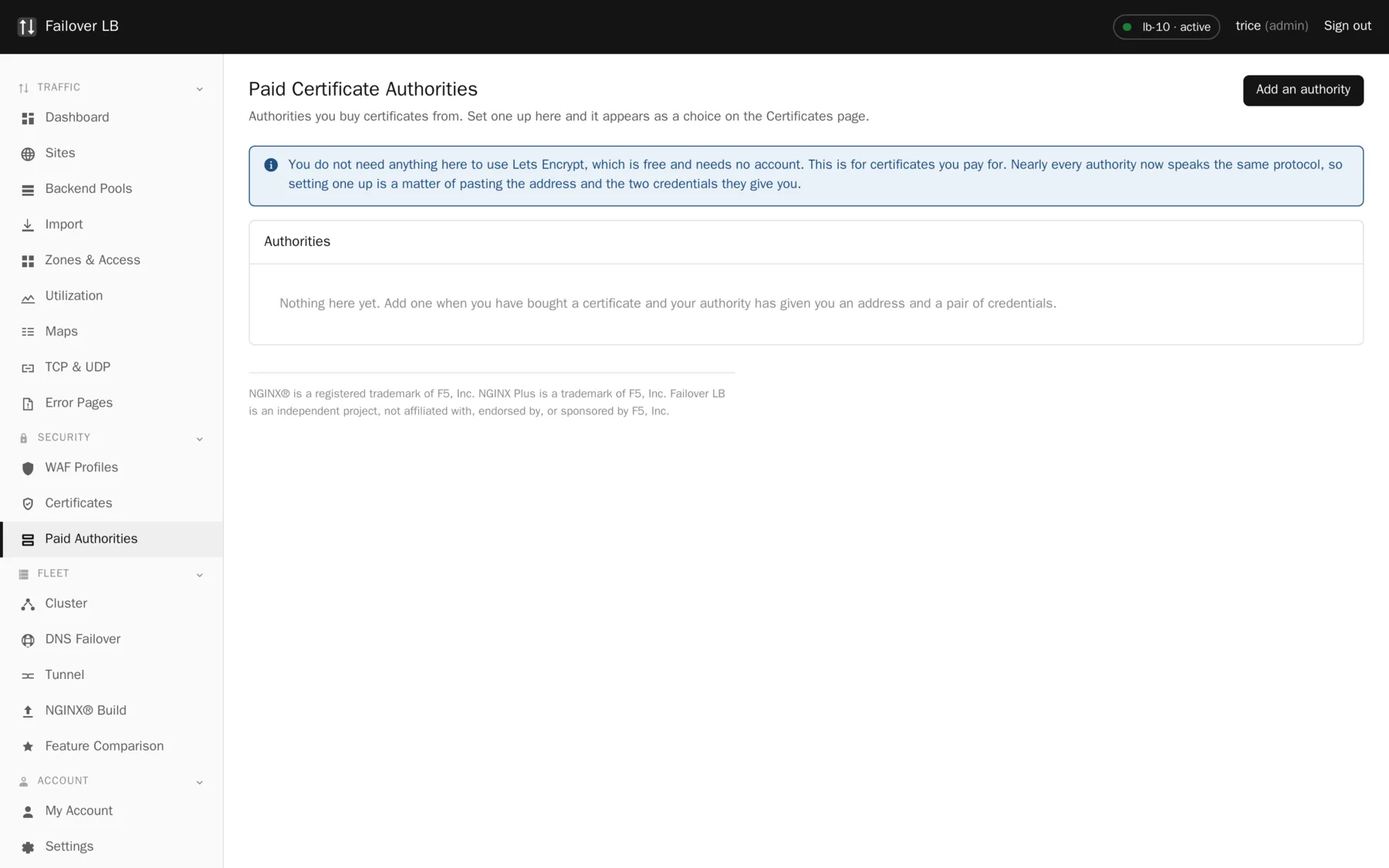
Paid certificate authorities
Most sites are best served by Let's Encrypt. Sometimes that is not an option: a policy names a supplier, or somebody wants a warranty, or the organization has an agreement already. This is for those cases.
Two ways to use a paid certificate
| Way | What happens | Renewal |
|---|---|---|
| Upload one | Somebody buys a certificate and you paste it in. | By hand, every single time. |
| Set up an authority | The supplier is registered once and certificates issue automatically. | Automatic, like the free ones. |
The second takes a few minutes once and then behaves exactly like Let's Encrypt does. The first takes a few minutes every year, forever, and depends on somebody remembering.
What to get from your supplier
Three things, usually together on one page of their control panel, often labeled ACME or automation.
- The directory URL. The address of their ACME service. It nearly always ends
in
/directory. - A key identifier, sometimes written as EAB KID.
- An HMAC key, sometimes written as EAB HMAC key.
The last two are how the supplier knows the request is from your account, and therefore who to bill. Treat them the way you would treat a password. They are stored encrypted here and never shown again once saved.
Test it before you rely on it
There is a Test button. It registers with the supplier and asks nothing else of them, so it is safe to run and it does not cost anything or use up an allowance.
Credentials that are wrong produce a failure at the moment you actually need a certificate, which is usually the moment a site is going live. One extra minute now is worth a great deal then.
Getting a certificate from it
The same as asking Let's Encrypt, with one extra choice: which authority to ask. The choice is per certificate rather than per system, so you can have Let's Encrypt for most sites and a paid supplier for the two that need it, and neither knows about the other.
Paid certificates cost money to issue
Unlike Let's Encrypt, asking for one may be chargeable, and some agreements limit how many you may have. Know what your agreement says before pointing sites at it. If the agreement lapses, renewal stops working, and the first sign of that is a certificate that did not renew.
When it does not work
| Symptom | Usual cause |
|---|---|
| The test fails | Almost always the credentials. Check both values were pasted whole with no space at either end, and that the directory URL is the ACME endpoint rather than the supplier's website. |
| The test passes but issuing fails | The credentials are right and something about the request is not: a domain the agreement does not cover, an allowance used up, or a validation method the supplier does not accept. The error from the supplier is shown on the certificate and is usually specific. |
| Renewal stopped working | Check the agreement is current, then run Test again. Suppliers do reissue credentials, and a set that worked last year may not work now. |
Common questions
Which suppliers work?
Any that offer ACME with external account binding. Most large certificate authorities now do, including DigiCert, Sectigo, GlobalSign, Entrust and Google Trust Services. If yours does not, upload the certificate by hand instead.
Can I run Let's Encrypt and a paid authority at the same time?
Yes. The authority is chosen per certificate, so most sites can stay free while the two that need a paid certificate use one.
Can I read the credentials back out?
No, on purpose. You can replace them, but they are never sent back to the page.
Step by step instructions
The how to section has searchable, task shaped answers. Search it for paid authority.